

AI Assistant
Step 1: Enter API Key
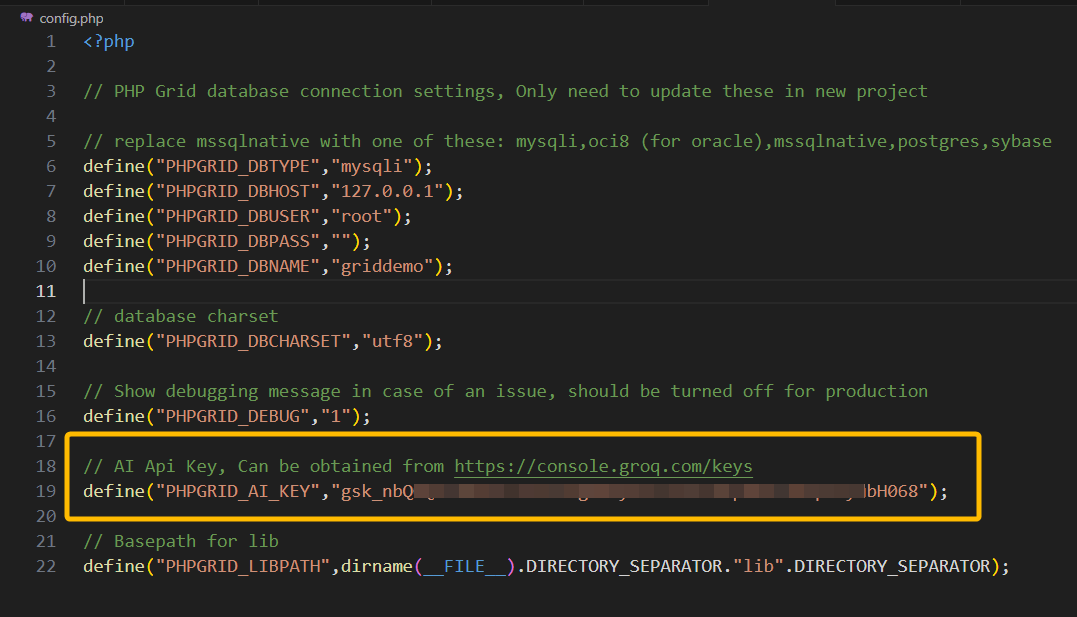
Section titled “Step 1: Enter API Key”First step to use AI Assistant is to enter the API Key. Free API Key can be obtained from Groq Cloud Platform.
Step 2: Enable in Grid Settings
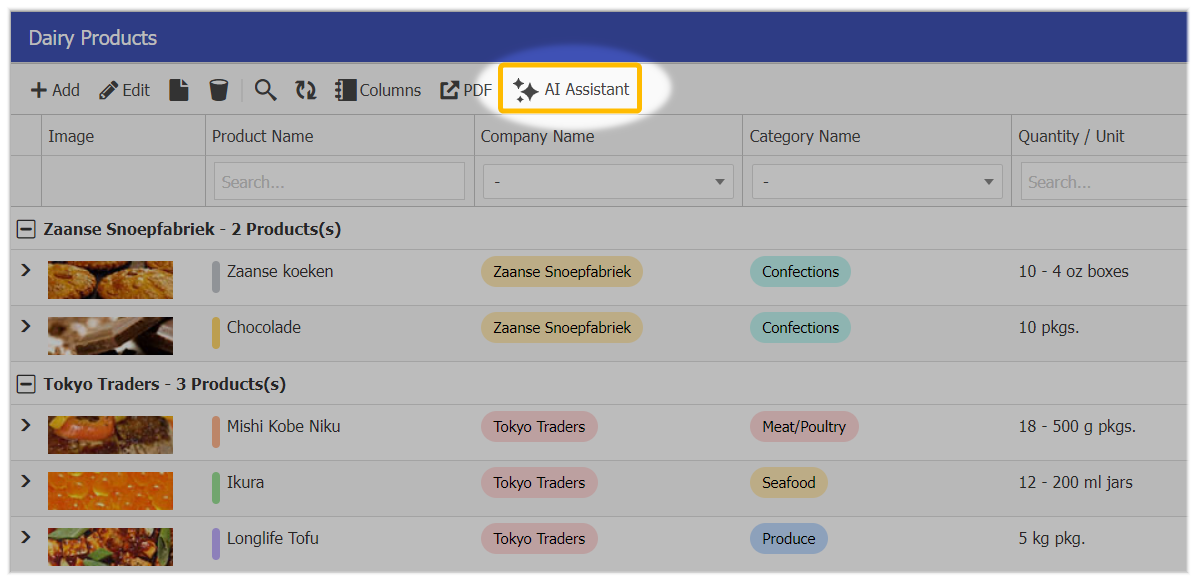
Section titled “Step 2: Enable in Grid Settings”Next, you can enable AI Assistant in the DataGrid by the following setting:
$g->set_actions(array( // ... "aiassistant"=>true, // ... ) )This will show the AI Assistant icon in the toolbar.
Step 3: Using AI Assistant
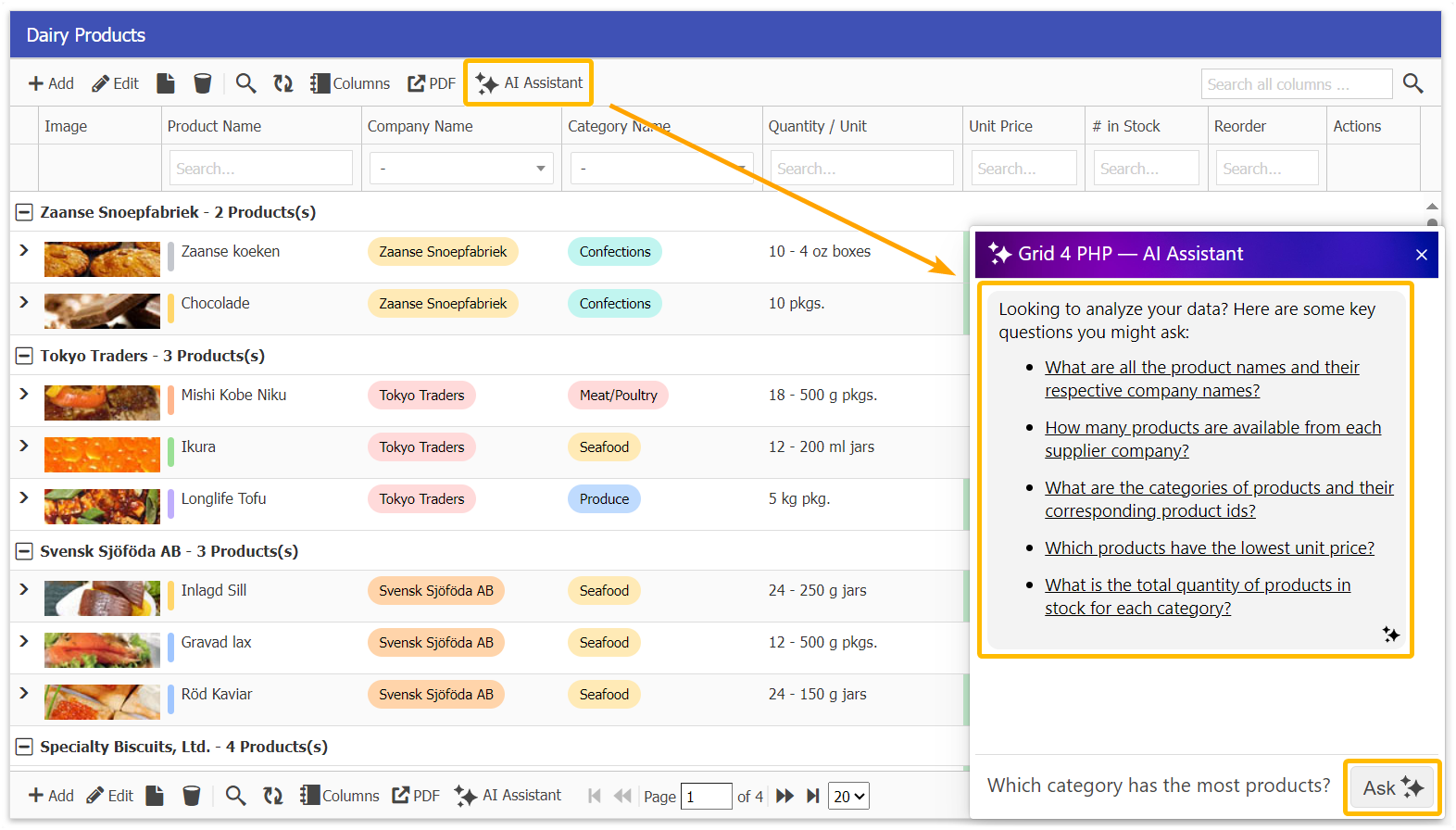
Section titled “Step 3: Using AI Assistant”When you click the AI Assistant button, It will open a chat mode for the DataGrid where you can ask the questions about your data.