Logo, Faqs & Theme Redesigned!

Hello Everyone!

This is Abu from PHP Grid. As written in post title, we have rolled out several changes through out the website. Just wanted to give some quick updates:

  • Logo is redesigned. Our new flat logo will now be used in support forum and checkout page.

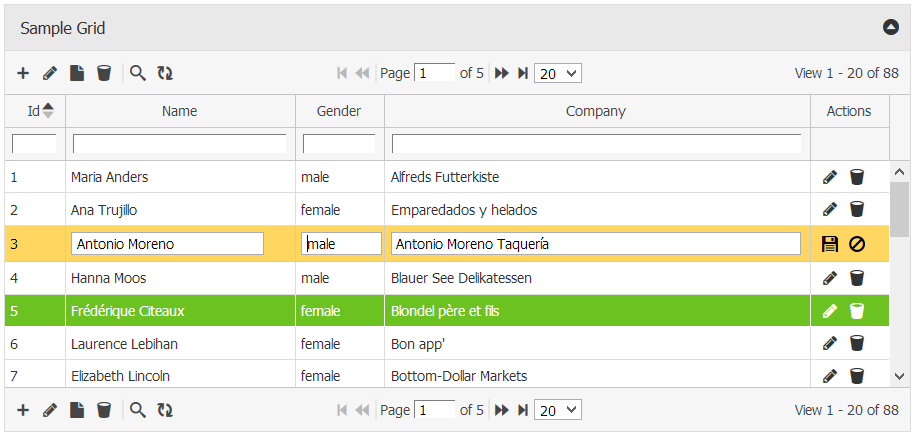
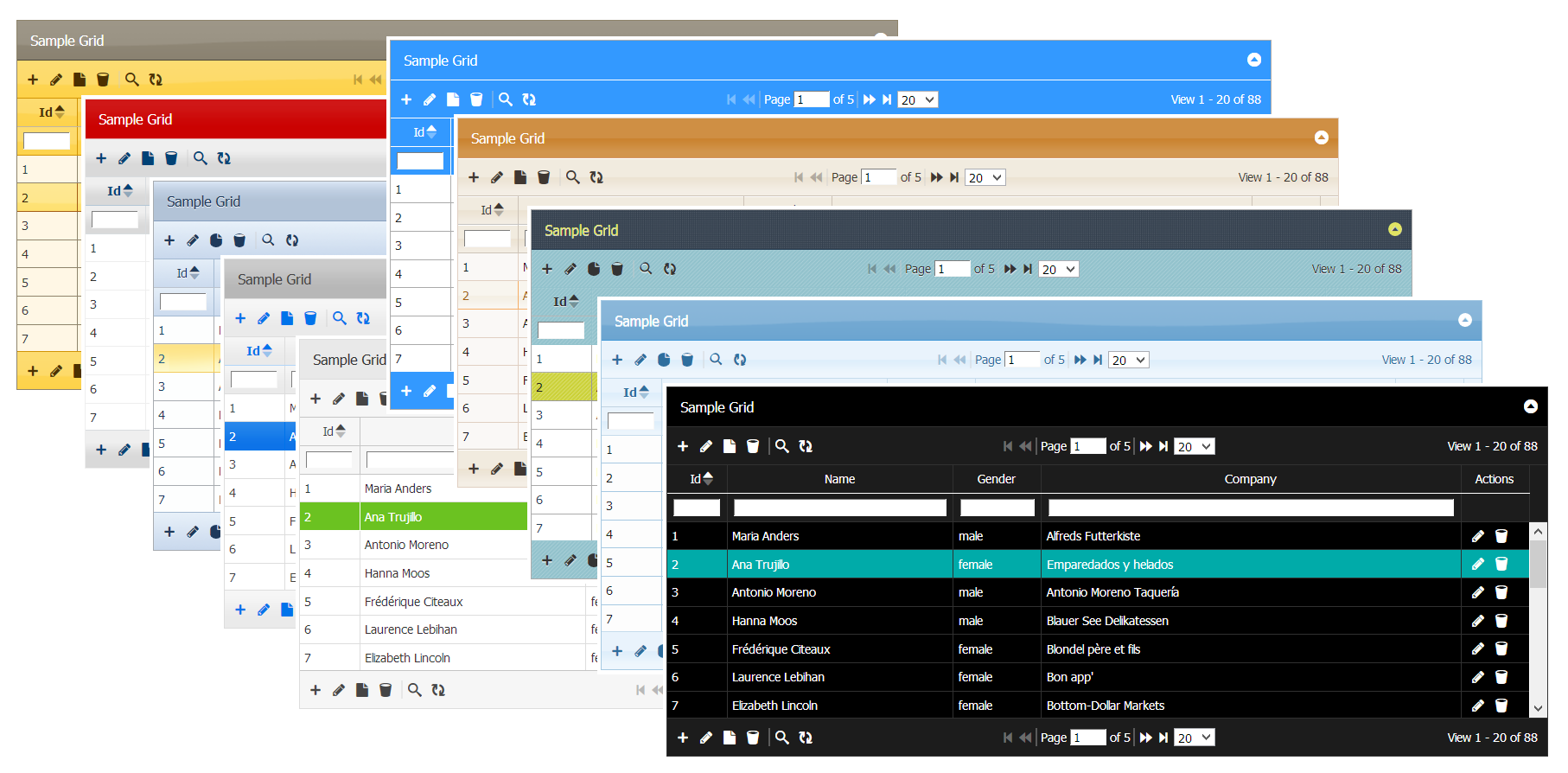
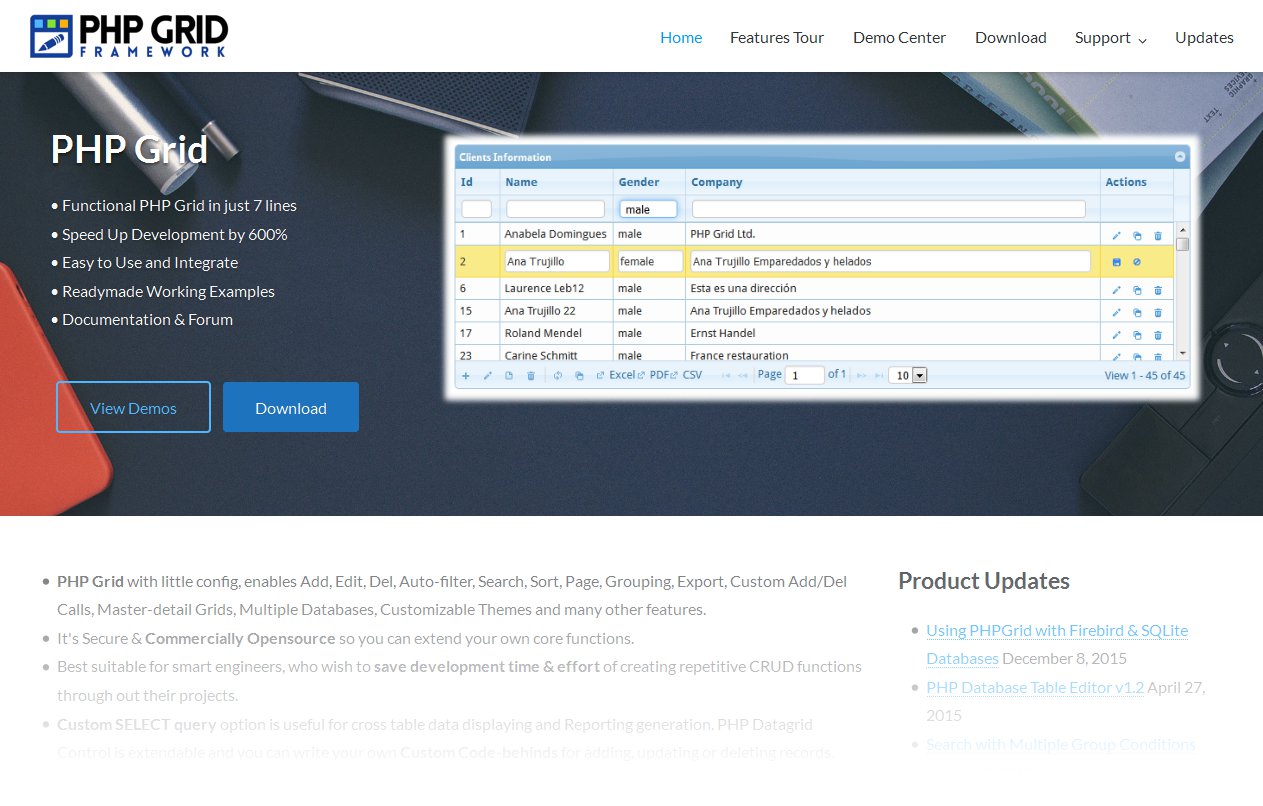
  • New responsive theme is rolled out for website.

new-home-pic

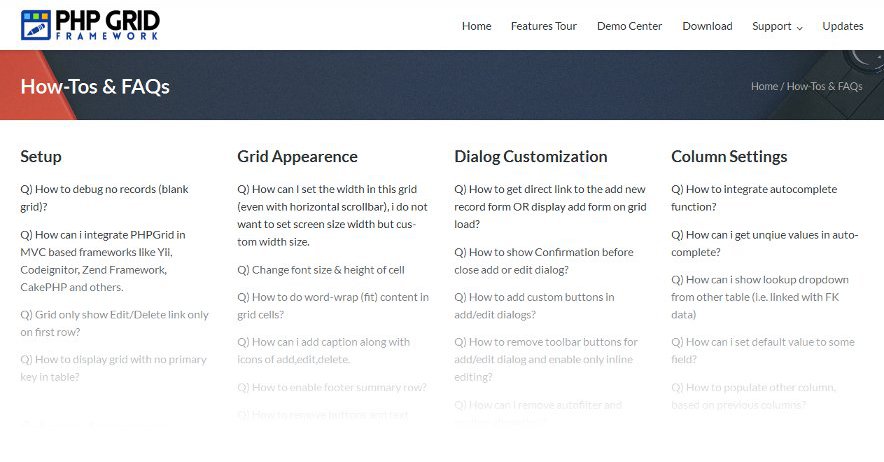
  • Howtos & Faqs page is redesigned for fast lookup of your query. We’ve tons of faqs so make sure you review them before waiting for answer. Support forum search is also there for help.

What’s coming next … we’re working hard in rolling out new version of PHP Grid (v1.6) with lots of updates and new features, so stay tuned.

Firebird & SQLite Database Editor Support

We recently added support for Firebird & SQLite Databases. These fast, slick and reliable databases will help in running portable apps with PHP Grid. Thanks to PDO library, it’s integration is very with little configuration changes.

sqlite370_banner

// Database config for SQLite
$db_conf = array();
$db_conf["type"] = "pdo";
$db_conf["server"] = "sqlite:../../sampledb/northwind.sqlite";
$db_conf["user"] = "";
$db_conf["password"] = "";
$db_conf["database"] = "";
$g = new jqgrid($db_conf);


firebird

// Database config for Firebird
$db_conf = array();
$db_conf["type"] = "pdo";
$db_conf["server"] = "firebird:host=localhost;dbname=C:/sampledb/employee.fdb";
$db_conf["user"] = "SYSDBA";
$db_conf["password"] = "masterkey";
$db_conf["database"] = "";
$g = new jqgrid($db_conf);

Working demo code: http://www.phpgrid.org/demo/demos/loading/db-layer-firebird.phps

You will need to change database credentials and update tables/columns configuration as desired. Refer docs for help.

Licensed customers can request free upgrade using update link.
To download free license, visit download page.
To purchase license, you can visit this link.

Search with Multiple Group Conditions

Hello,

We’ve added most robust and efficient complex searching method in PHPGrid.

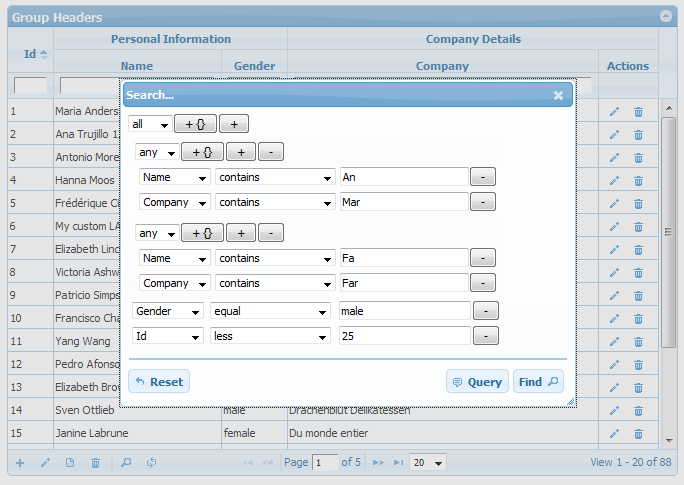
This enables the more advanced search dialog allowing to add any number of complex group conditions. The user can now add or delete an unlimited number of conditions to perform the search as shown in screenshot.

search-group

This will formulate following search query, “( … )” refers groups in search query:

(name LIKE "%An%" OR company LIKE "%Mar%") 
AND 
(name LIKE "%Fa%" OR company LIKE "%Far%") 
AND 
gender = "male" AND client_id < 25

Hope you like this feature. Customers with active subscription can get latest build + demo via email.
We also offer discounted renewal prices for customers with expired subscription.
For any case, contact on our support team at ([email protected]).

Exporting selected Columns & Rows (at Runtime)

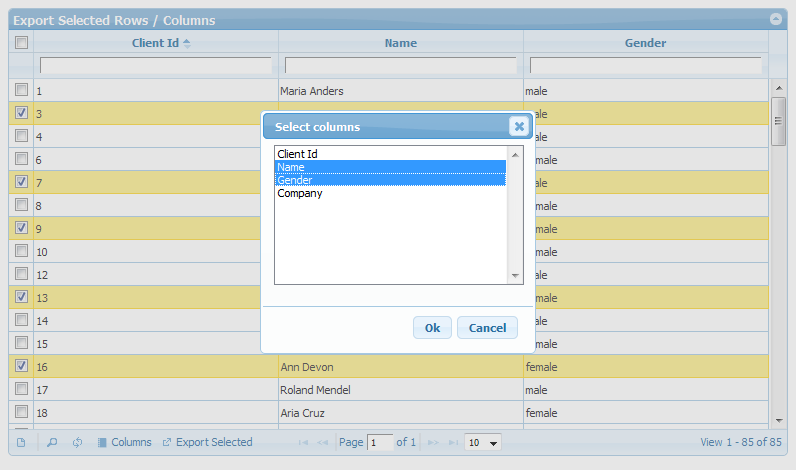
Now you can export selected rows and columns at runtime. This means no code change, Export selection options are now on accessible with grid operations toolbar.

Demo: http://phpgrid.org/demo/demos/export/export-selected.php

In demo, select columns using column chooser and rows by multiselect option, then click Export selected button. This will export PDF of selected rows/cols. As the grid exports PDF format, the data table can be printed by your favorite PDF reader.

Export selected Columns and Rows

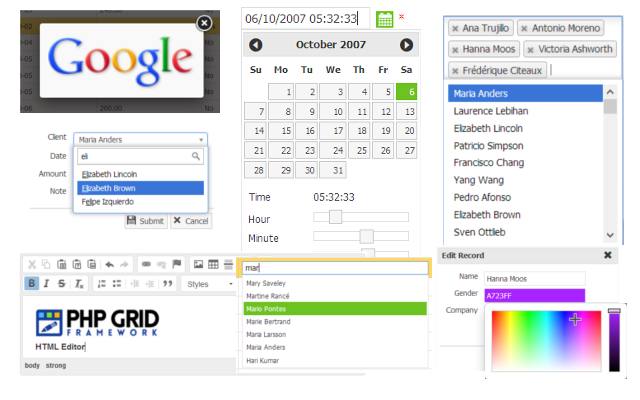
Enhanced Autocomplete (Typeahead) Integration

We’ve further enhanced PHP Grid and JQuery UI Autocomplete integration.
Types and Steps shows how to integrate database driven type ahead / autocomplete by lookup sql query.

1) Basic Typeahead (single field)

Step1: Set formatter to autocomplete on desired column

$col["formatter"] = "autocomplete"; // autocomplete

Step2: Set format options query. The field in sql aliased ‘v’ will be shown in list

// Fill the name field with query values typeahead
$col["formatoptions"] = array(	"sql"=>"SELECT name as v FROM clients", "update_field"=>"name");

2) Autofill other field.

The field ‘company’ will be filled w.r.t. selected name.

$col["formatoptions"] = array(	"sql"=>"SELECT company as k, name as v FROM clients","update_field"=>"company");

The field aliased ‘k’ will be set in the ‘updated_field’ column (e.g. company)

3) Callback function

Connect a callback function that will auto-fill multiple fields.

$col["formatoptions"] = array(	"sql"=>"SELECT *, name as v FROM clients", "callback"=>"fill_form");

and in html part, define callback JS function.

<script>
function fill_form(data)
{
    jQuery("input[name=gender].FormElement").val(data.gender);
    jQuery("textarea[name=company].FormElement").val(data.company);

    jQuery("input[name=gender].editable").val(data.gender);
    jQuery("textarea[name=company].editable").val(data.company);
}
</script>

References: Sample Code and Live demo

Active license subscription OR those who wish to renew subscription can get updated build by contacting via email ([email protected]).

Documentation is Updated!

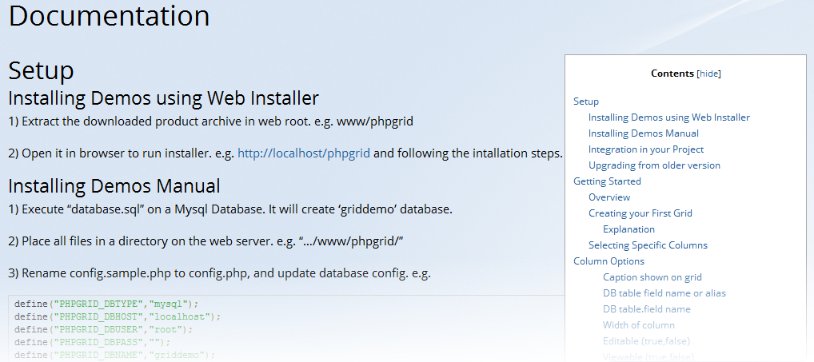
I recently updated online documentation page to make it developer friendly, fast and each to navigate. The previous version was very unorganized, and honestly speaking, i usually didn’t use it for my development (instead i preferred Ctrl+F in markdown file — docs.txt).

Now, in updated version on right side, there is a list of complete table of contents for easy access. It also contains a new ‘Using’ section that dictates the steps required to implement certain feature.

The new section of documentation is kept simple with focus on:

1) Steps to Use
2) Code Snippet / Picture
3) Full Code / Live demo

The future updates are also planned to be in same format, and i believe it’s just what a developer like in documentation. Copy > Paste > F5!

Visit documentation page.

docs-v2

Integrating Select2 with PHPGrid

Based on several customer’s feedback, We’ve now integrated ‘Select2’ control with PHP Grid.

Now you can use ‘Select2‘ control with PHP Grid’s Add or Update operations. Select2 is a jQuery based replacement for select boxes. It supports searching, with in your large select box data items. It gives behavior similar to ‘Combo-box’ control of Microsoft development tools.

select2-1

select2-2

Active license holders can get their update by emailing [email protected]
One can also refer demos/integration/dropdown-select2.php demo.

New Additions to Form Layout Design

We have made several additions in our customized dialog layout feature.

1) You can have 2, 4, 6 column layout in your Add or Edit dialog forms of PHP Grid.
2) You can also Add sections (sub-titles) within form to separate input data group.
3) A field can span to several columns where required. (e.g. Id)
4) Custom form buttons are also supported. (e.g. Load Default)

If you have some wishlist, feel free to share your suggestions with us at our support email address ([email protected]).

editing_dialog-layout2