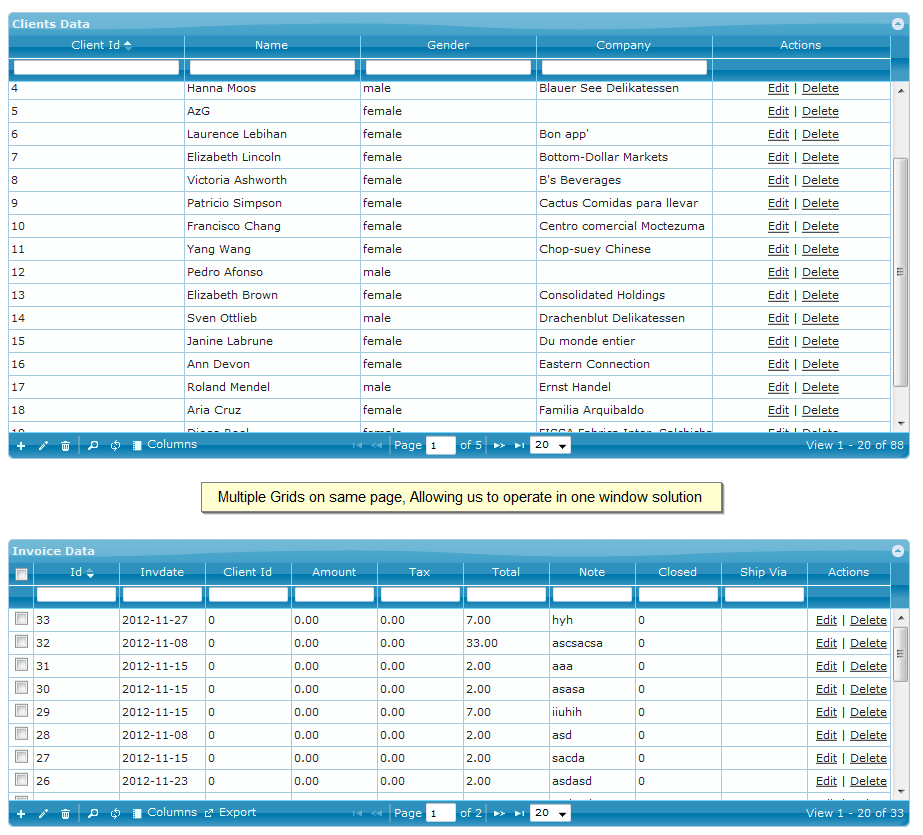
PHP Grid WordPress Plugin (beta testers required)

UPDATE June 2019: New simplied tutorial is now published on website for wordpress integration.

We’ve developed a wordpress plugin that integrates phpgrid control in wordpress page or post using short code. Currently beta testers are required for validating the usage and needs. Interested participants can contact us back on this email: gridphp@gmail.com

Update: To start, please follow the readme.md on github page:
http://github.com/gridphp/PHPGrid-Framework-Wordpress-Plugin

Thanks
Support Center Launched

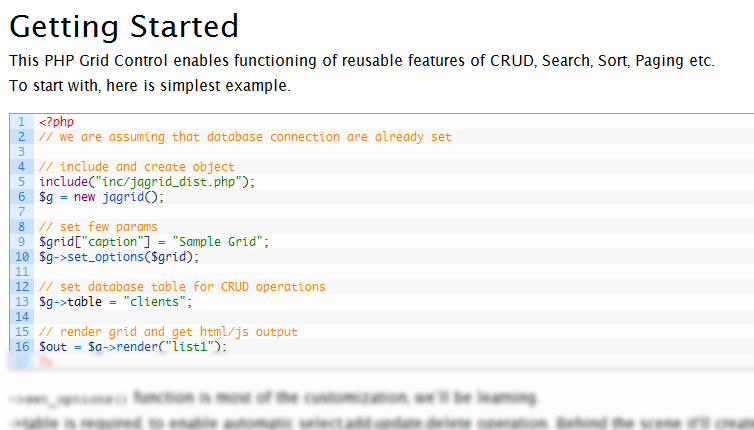
We recently launched a new brand service center for community issues. All previous channels are closed now. We’ll try to migrate useful thread from our last discussion forum. Just in case some one need an urgent resolution, he can post thread from support center link

Also there is a FAQ article posted along articles section. More helping articles like tutorials, general integrations in frameworks are inshaAllah likely to be posted there in near future.

Just in case, you need premium support and more quick response, try connection with gtalk on gridphp@gmail.com for live chat.

Postgres Integration

I’ve added another working example of PHP Grid integration with Postgres 9.1.
It enables seamless CRUD operation for Postgres database applications.

NOTE: This working example is part of paid package.

Conditional Buttons in PHP Grid

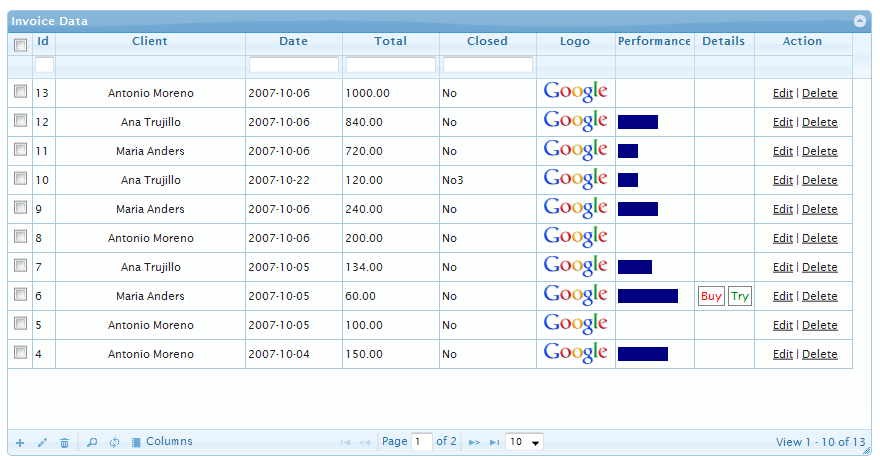
I have added a feature, in which we can display data in that column based on some condition. Best applicable where we want to enable certain action if data of row met some specific condition, say total price < 100.

for e.g.

// use single quote for condition, and $row will have all columns data, to use in condition
$col[“condition”] = ‘$row[“total”] < 100’;

NOTE: Custom button and conditional display is currently part of paid package.