Amit Namdeo asked 4 years ago
(How to show Data Grid in AdminLTE?)
Grid is not displaying in the Admin control panel.
6 Answers
 Abu Ghufran Staff answered 4 years ago
Update: Please refer to this tutorial of integrating bootstrap themes with GridPHP.
https://www.gridphp.com/datagrid-with-admin-templates/
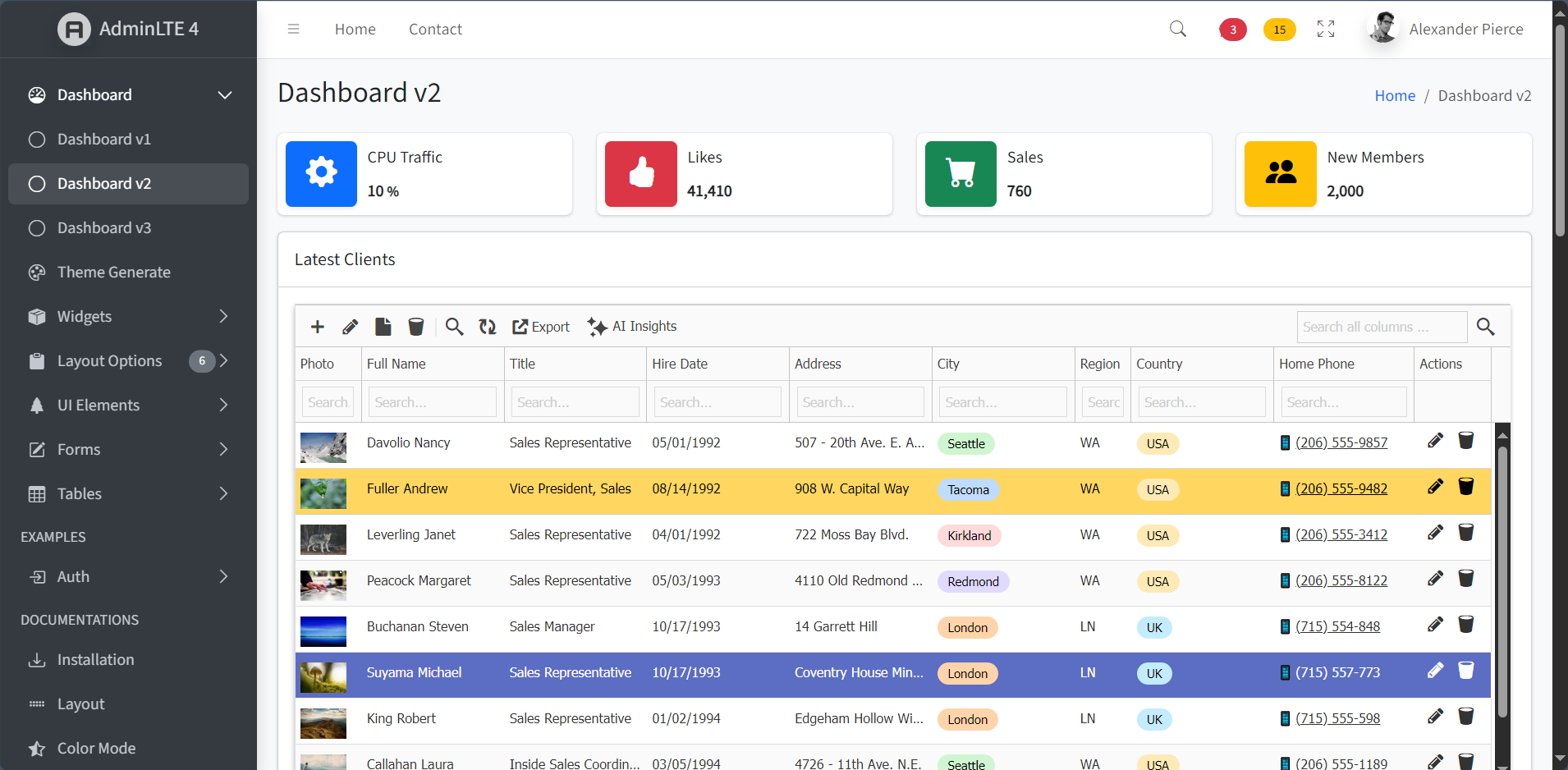
To debug,
- Please check browser console for possible JS error or File inclusion 404 errors
- Check php error log file for possible server side issue
If you need further help, send the details along with screenshot and related code.
 brojo p. laksono answered 3 years ago
HI,
I just bought a gridphp enterprise license today.
I’m having trouble if gridphp is put inside AdminLTE, it will clash JS and CSS.
Please help
Thank you
Luca Rido answered 3 years ago
I have the same problem here! Is it possible to have the solution open to everyone? Thanks!
Abu Ghufran Staff answered 3 years ago
Hi,
Basically, you need to follow this MVC guide.
Put the grid php code above any html code. And then echo $out where you wish to show the grid in layout.
Your Answer